
Visual layouts
Edit component values and layout arrangements with a rendered Astro preview. Open the source workspace when you need to change how a component works.
Platform
Manage common content once and give every website its own routes, layouts and Astro source. Editors and developers work on the same site with tools suited to their roles.
Create typed structures for content such as services, staff profiles or locations. Link records, articles and media to the pages that use them. Keep shared content in the group workspace and site-specific material with its website.
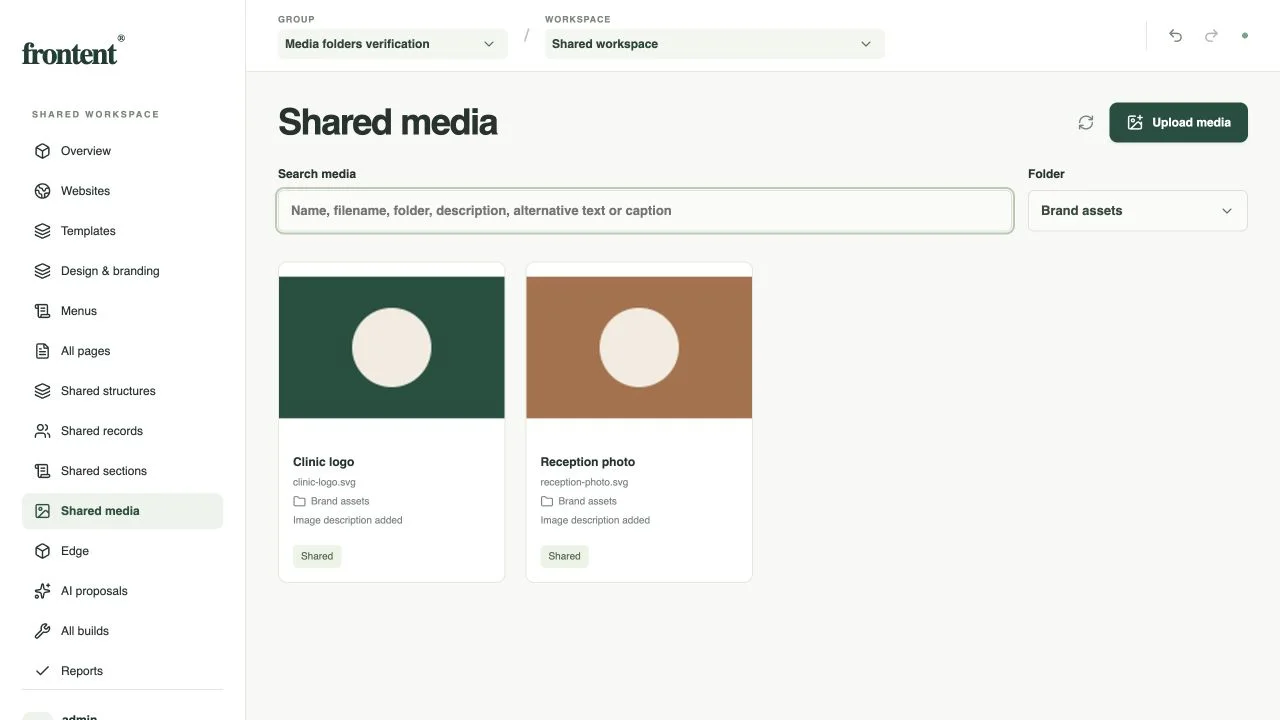
Edit component values and layout arrangements with a rendered Astro preview. Open the source workspace when you need to change how a component works.
Keep component code, CSS, layout definitions and project settings in each website’s source. Browse files or edit them in the built-in editor.
Build a template with sample content, review the preview and release it. A new site created from a release gets its own editable copy.
Pair versions of a page across languages, localize slugs and menus, and let Frontent resolve links to the available language versions.
Connect forms, live JSON feeds or a chatbot to static pages. A chatbot can answer from approved content and offer a contact form the visitor completes.
Export editable content and media as ZIPs. Download a successful build when you need the exact static output.
Every use of the shared record refers to the same original. When a site is rebuilt, it picks up the updated content unless its rendering uses an applicable site-specific variant.
Yes. Each site owns its Astro project, layouts and design settings. Sites can start from the same template release and evolve independently.
Publishing captures an approved knowledge snapshot with the selected website content, records and relationships. After relevant source changes, review and publish again to refresh the assistant’s knowledge.
Show us a service catalogue, location directory or multilingual site you manage. We can walk through how to structure it in Frontent.